

What's the Deal With No App?
Some Aussies wonder why they can't find a Casinacho app in the App Store or Google Play. The short answer: Apple and Google don't allow real-money gambling apps in Australia. That's a platform decision, not a Casinacho one. Just about every offshore casino ends up in the same boat, which is why they all run through mobile browsers instead. Anyone who sees a "Casinacho app" being offered on some sketchy third-party site should be careful — those aren't official, and they might not be safe to install on any phone.
Adding Casinacho to Your Home Screen
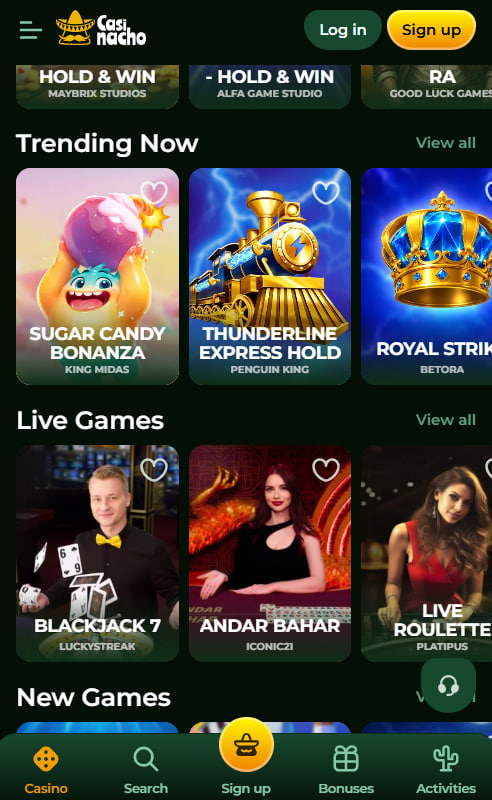
The trick that makes the mobile site feel like an actual app is adding it to the home screen. Both iPhone and Android make this pretty easy through their browsers. Once added, the icon lives on the home screen just like any real app — tap it, and Casinacho opens straight to the lobby. No browser bar, no distractions, just the pokies and games ready to play. The whole setup takes about half a minute on either platform.
iPhone Setup Walkthrough
For iPhone users, the setup runs through Safari:
- Open Safari and head to the Casinacho website
- Tap the Share button at the bottom (the square with the up arrow)
- Scroll down and tap "Add to Home Screen"
- Confirm the name and tap "Add" in the top corner
- Head back to the home screen — the icon should be there
After the first login, Face ID takes over so returning to the app is basically instant. Nothing gets stored on Casinacho's side — the biometric stuff stays on the phone.
Android Setup Walkthrough
Android setup uses Chrome, though other browsers work too:
- Open Chrome and go to the Casinacho site
- Tap the three dots in the top-right corner
- Tap "Add to Home screen"
- Confirm the shortcut name and tap Add
- Find the icon on the home screen and open it
Fingerprint login sets up after the first successful sign-in. Some Android phones prompt to install a proper shortcut instead of just a bookmark, which works even better and behaves more like a real app.
Playing on the Move
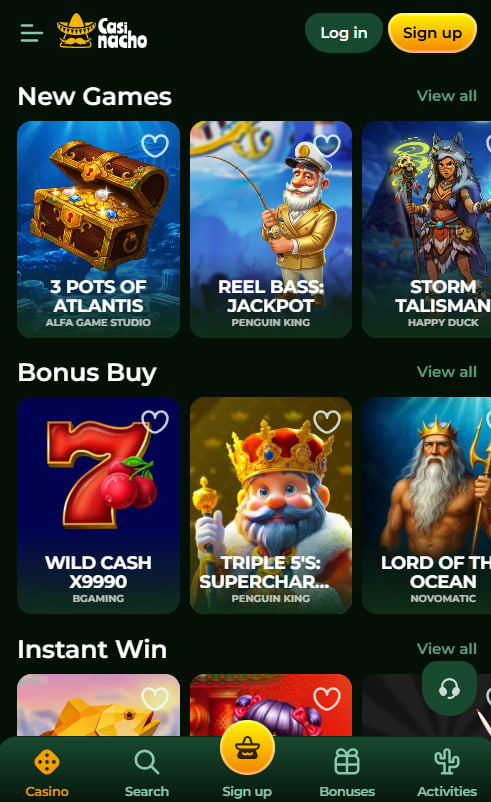
Everything on the mobile site works exactly the same as desktop. All 6,000+ pokies play in their proper mobile version, not some shrunken desktop layout. Live casino streams work in HD on both platforms with decent internet. PayID deposits go through in under a minute from the mobile checkout. Bonus opt-in works the same way — tick a box during deposit and it activates. Even the customer support chat sits on every page just like on desktop, so help is one tap away if something goes sideways during a session.
Data Usage and Battery Life
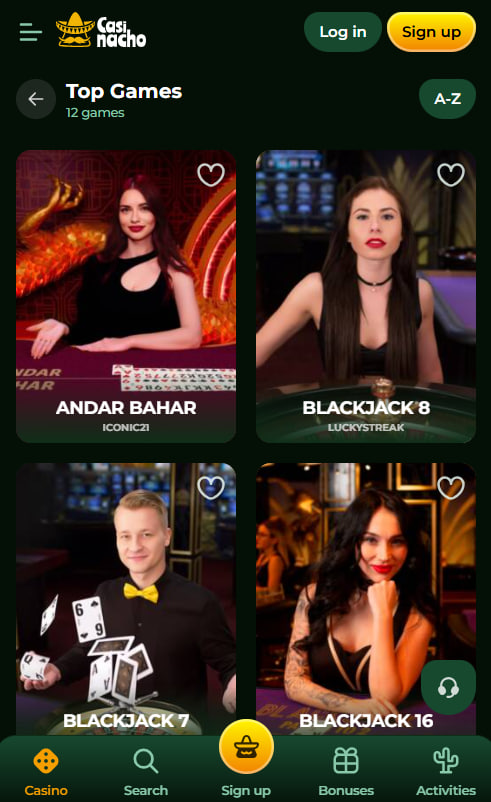
Mobile play doesn't chew through data the way some people expect. Pokies use around 20-40 MB an hour, which is nothing on most Aussie data plans. Live casino streams pull more — about 150 MB an hour at HD quality — so Wi-Fi is smarter for long live sessions. Battery drain is comparable to any other mobile game with decent graphics, so an hour of pokies on a phone might use 15-20% of battery on most modern devices. Reducing screen brightness or dropping the animation quality stretches sessions further when out and about.
When the Mobile Site Plays Up
Every now and then something goes sideways on the mobile site. Most fixes are quick, no support ticket needed.
Common Mobile Snags for Aussies
- Pokies loading slowly — try switching from mobile data to Wi-Fi
- Live stream stuttering — drop the stream quality in the game settings
- Icon disappeared from home screen — reinstall through the browser share menu
- Asked to log in every time — enable Face ID or fingerprint login
- Push notifications missing — check browser notification permissions
Setting spending limits before firing up mobile play helps keep sessions in check, especially on the go where it's easy to lose track of time. Deposit and loss limits sit in account settings. Gambling Help Online on 1800 858 858 takes calls any time day or night, and BetStop at betstop.gov.au handles national self-exclusion. New Aussie players who need to register can do it all from the same mobile site, and the bonus page has everything about the welcome offer sorted.
Frequently asked questions
Apple and Google both restrict real-money gambling apps in Australia, so no offshore casino can list a proper app in the local stores. Casinacho runs through the mobile browser instead, which works just as well once the site gets added to the home screen. Any 'app' from a sketchy third-party site isn't official.
Pretty much, yeah. Once added to the home screen, the Casinacho icon opens the site in full-screen mode without any browser bar visible. It behaves like a real app in every way that matters — biometric login, full features, notifications. The only difference is nothing takes up storage space like a native app would.
Yes, iPads work great with the Casinacho mobile site. The setup is the same as iPhone: open Safari, use the share button, and add to home screen. The bigger screen shows more of the interface at once, which some players prefer for browsing the game library or playing live tables. All features work identically.
Casinacho works on iOS 14 and up and Android 8 and up. Anything from the last five or six years should be fine. Really old phones might see slower load times or occasional glitches, but the core features still work. Older Android phones sometimes need Chrome updated to the latest version to fix any issues.
No, 4G or 5G mobile data works fine for pokies and general play. Wi-Fi is smarter for long live casino sessions since HD streams use around 150 MB an hour, which can add up on limited data plans. Pokies themselves only use 20-40 MB an hour — nothing that'll dent a standard Aussie plan.
Yeah, every payment method works the same on mobile as desktop. PayID is probably the smoothest option on phone since Aussie banking apps integrate with it natively. Cards, Apple Pay, Google Pay, and crypto all work through the mobile checkout. Nothing's fee'd from Casinacho's side regardless of payment method.
No, the account is the same wherever you log in. Balance, bonus progress, tournament positions, and everything else syncs to the account server, not the device. So starting a pokie session on the phone during lunch and finishing on desktop later works exactly like carrying on where things left off. Nothing lives on the device itself.
Face ID and fingerprint login are safe because the biometric data never leaves the phone. Apple and Google handle all the biometric matching on-device, and Casinacho just gets a yes/no answer about whether the login succeeded. Nothing about the face or fingerprint gets stored on Casinacho's servers.
Pokies use about 20-40 MB an hour, live streams around 150 MB an hour at HD, and just browsing the lobby uses 5-10 MB an hour. Deposits and withdrawals barely register — under 1 MB per transaction. Most Aussie plans handle this without issue, though Wi-Fi is better for extended live table sessions.
Try closing the browser fully and reopening it first. If that doesn't fix things, updating the browser to the latest version usually sorts persistent crashes. On Android, clearing Chrome's cache helps. On iPhone, restarting Safari or the whole phone often resolves stubborn issues. Live chat support can help if problems keep coming back.

Ryan Docherty has spent years reviewing online casinos and writes the editorial notes for casinacho-casinoo.com. Every look at Casinacho Casino starts on a real account: he registers, deposits, times the PayID and crypto withdrawals, and works through the terms of the A$5,000 welcome package and its 35x wagering line by line. In his write-ups he draws a clear line between the operator's Curaçao licence and the way Australia's own rules work under the Interactive Gambling Act, with no promotional gloss, and covers the 6,000+ pokies, the live tables and the KYC checks alike. His reminder never changes: gambling is for adults 18 and over and can be addictive; if play stops being fun, Gambling Help Online (1800 858 858) offers free, confidential support any hour of the day.